Your First Executable Example
Prerequisites
This guide assumes you have a solid JavaScript foundation and have completed an initial reading of the FineUI documentation, giving you a basic understanding of component-based development.
Environment Setup
Refer to Set Up a Pure Frontend Plugin Development Environment to start a pure frontend plugin development environment. It is managed by the gulp tool, which bundles JS and Less files in real time.
A proxy is used to connect to the backend project, so even developers without backend knowledge can work on UI plugins smoothly.
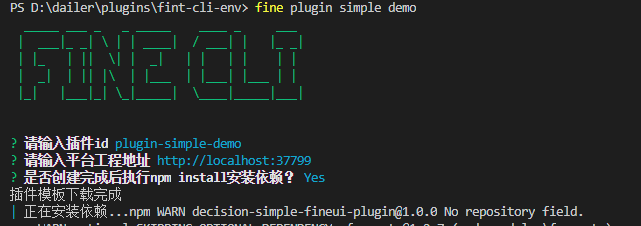
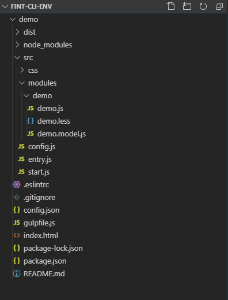
After initialization, you will get the following directory structure. Open your browser at localhost:3000 to view the platform:
Your First Executable Example
First, open demo/src/config.js and change its content to:
!(function () {
    BI.config("dec.provider.management", function (provider) {
        provider.inject({
            modules: [
                {
                    value: "pluginD",
                    text: "DEMO",
                    cardType: "dec.plugin.demo",
                    cls: "management-plugin-font",
                    dev: true
                }
            ]
        });
    });
})();
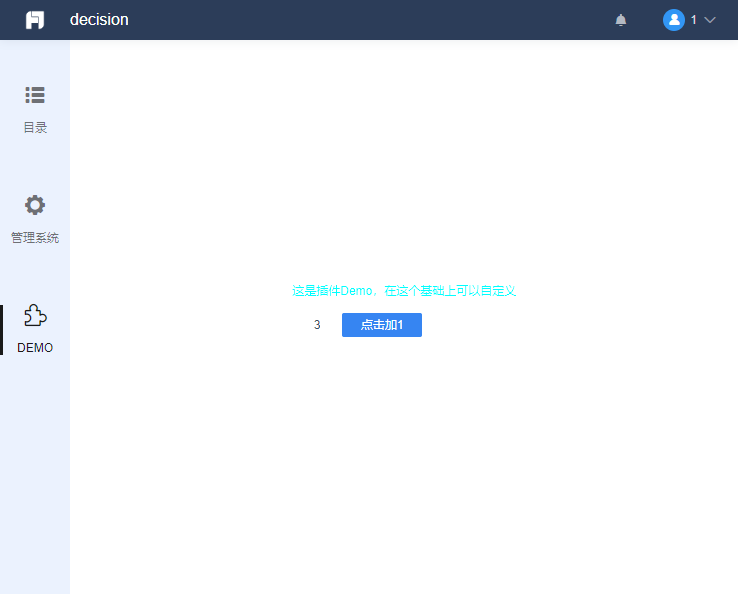
Visit localhost:3000 again. The page will have auto-refreshed. You will see a new button in the left sidebar, and the corresponding content area on the right shows a simple counter: