Publish Plugin Package
In the previous sections, we learned how to develop, debug, and package a plugin. The next step is to share and sell it to FineReport/FineBI users. This section explains how to publish a plugin to the FanRuan Marketplace.
Register an Account
Visit https://market.fanruan.com (FanRuan Marketplace). If you don't have an account yet, click Login / Register in the top-right corner:

Register a new account if you don't have one, or log in with your existing credentials.
Upload the Plugin
Once logged in to the FanRuan Marketplace, go to your Personal Center from the top-right corner:
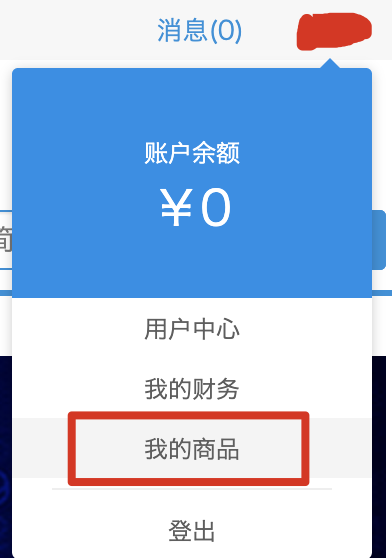
Switch to the Add New Product page and drag your built plugin package into the upload area to upload it.
Wait for Review
After a successful upload, wait for the FanRuan Marketplace reviewers to approve it. Once approved, your plugin will be visible in the marketplace.